Live view, recorder playback and a camera popup over the show you are watching when someone comes to the gate. All in your home network, no vendor cloud.
Android TV and Google TVEnigma2 receiversHikvision, Dahua, Imou, Ezviz, ONVIF
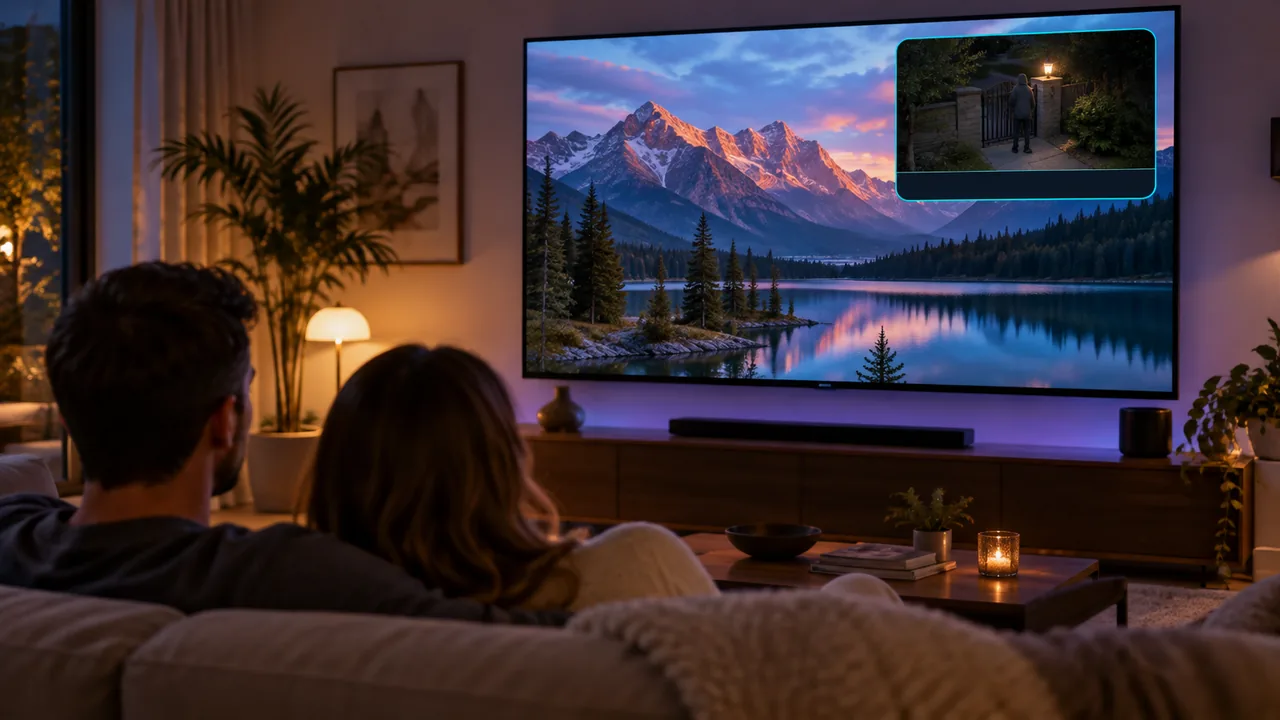
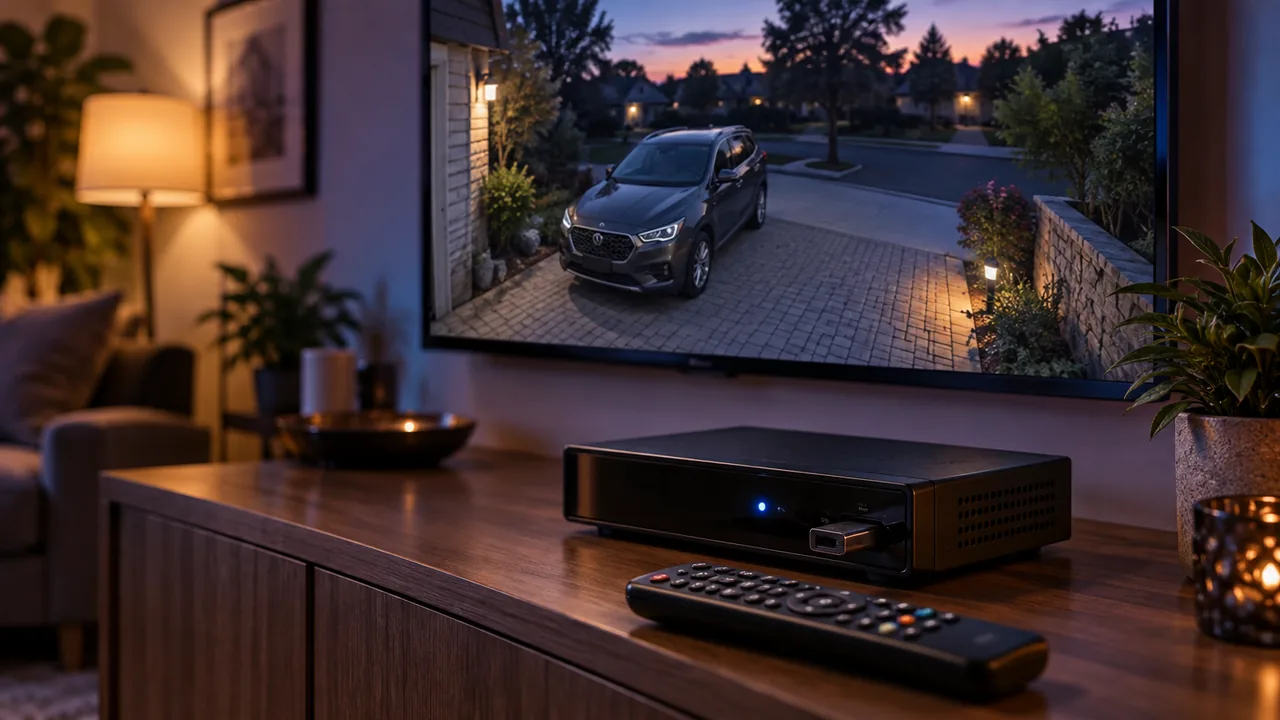
Someone is at the gate: the camera popup appears over the show you are watching (illustration).
What Kyvo Cam does
One app for cameras and recorders of different brands, made for the remote.
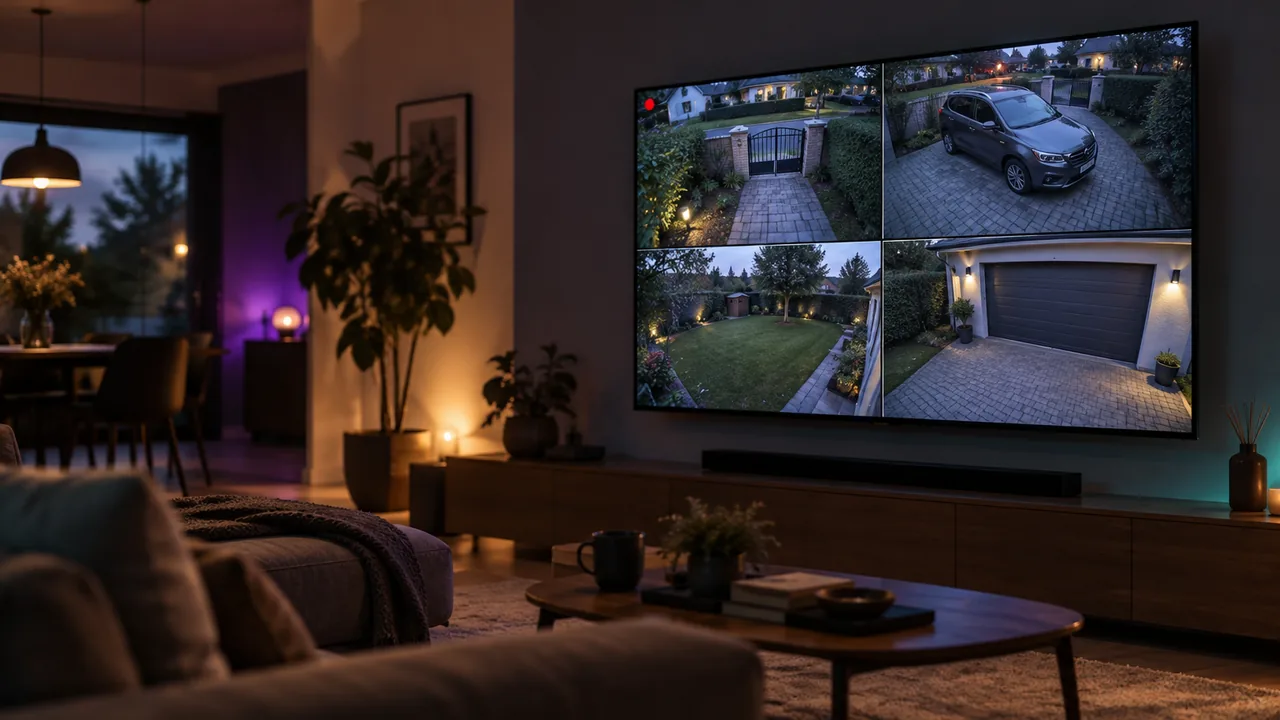
Camera grid
Several cameras at once, 2×2 or 3×2. Change pages with the remote, OK opens the big picture.
Live view and pan / tilt
Full screen from a camera or recorder. Steer a PTZ camera with the arrows, zoom with buttons.
Recordings
From the recorder or the camera's memory card. Pick a day and hour, skip by one or ten minutes, jump to events.
Event popups
Someone crossed a line, entered a zone or rang the bell? A camera popup appears over the show you are watching. OK opens live view.
Gate and door
Open it with the remote right from the popup, with a confirmation. Doorbell relay or a Shelly module.
Failures
A camera stopped responding, video is lost or the recorder disk failed? You know right away, not when you need the footage.
Protection by hours
Popups on, off or only e.g. from 22:00 to 6:00. Doorbell and failures always.
Panel on phone and computer
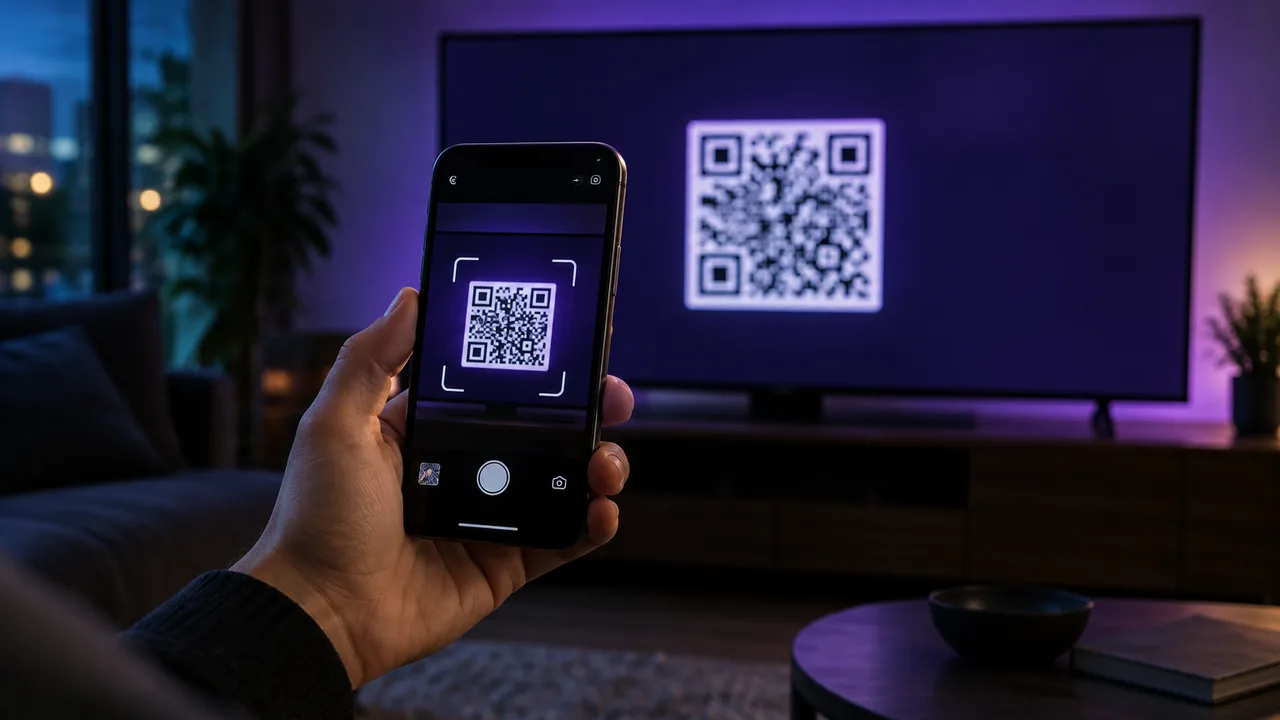
Add cameras comfortably in the browser. Scan the QR code on the TV and you are in the panel.
Finds cameras by itself
Kyvo Cam finds cameras and recorders in your network and suggests addresses. You only type the password.
Shop mode
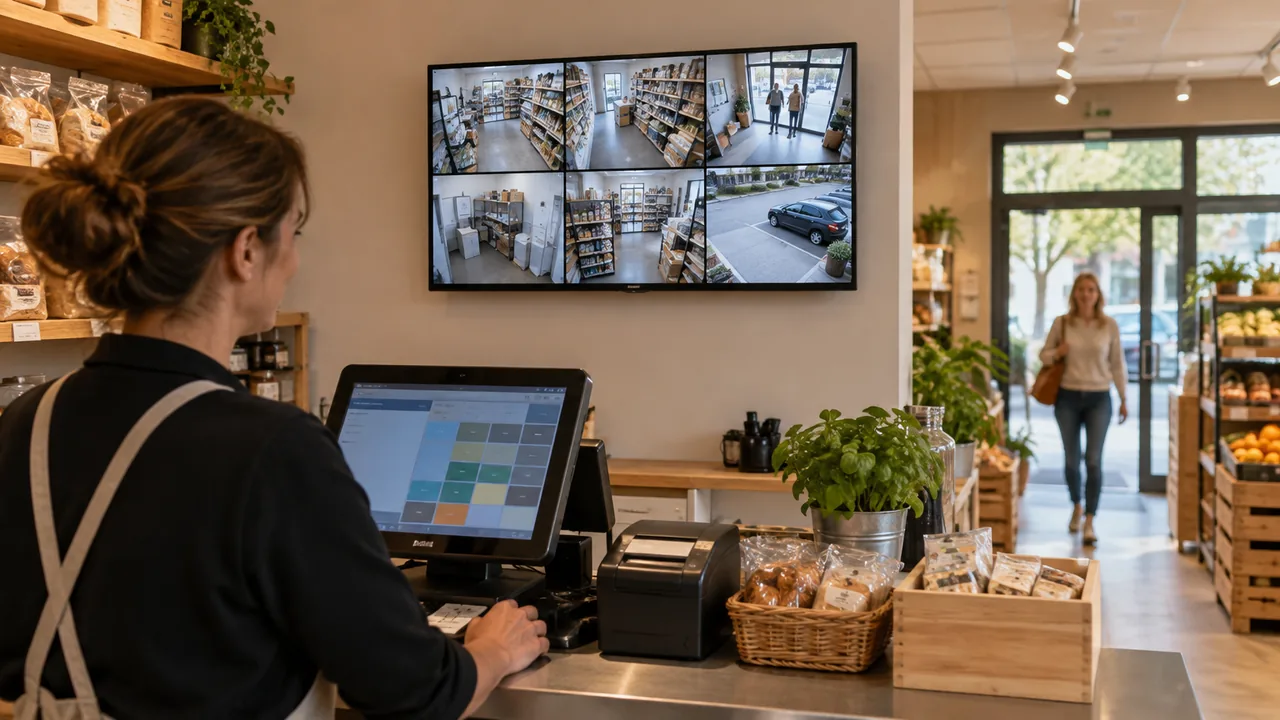
A monitor in a shop, gatehouse or reception: the grid starts on power-on and cameras switch by themselves.
Recording to a USB stickEnigma2
The receiver records chosen cameras to a USB stick or disk: all the time or only on events. Old footage is removed automatically.
Local, no cloud
Video goes straight from the camera to the TV. Camera passwords stay on the device.
Camera grid on the big screenPanel on your phone: scan the code on the TVShop mode: a monitor above the counterEnigma2 receiver: camera in full screen, recordings on a USB stick
Devices
Android TV and Google TV
TVs and boxes with Android 6 or newer.
Live camera grid
Camera sound in full screen
Popups over any app (switched on once in settings)
Enigma2 receivers
A plugin for Python 3 images such as OpenATV.
Live full screen, grid of frames refreshed every few seconds
Popups over the channel you watch, the remote still changes channels
Recording to a USB stick or the receiver disk
Get started
Install Kyvo Cam
On an Android TV or as a plugin on an Enigma2 receiver.
Add cameras
Kyvo Cam searches your network by itself. You can also add them from your phone: scan the QR code on the screen and type the camera password.
Set detection in the camera
Set a line, zone or motion in the camera app or web page. Kyvo Cam receives the signal and shows a popup.
Popups on Android TV: switch on once
For a camera popup to appear over TV or another app, Android needs one permission. You switch it on once:
In Kyvo Cam open Settings, choose Event popups, then Open settings.
In the TV settings: Device Preferences (or System), Accessibility, Kyvo Cam popups.
Choose On and confirm.
The TV shows a system warning about the service permissions, the same for every accessibility service. Kyvo Cam does not read the screen or what you type: it only takes OK and BACK while a popup is on screen. Thanks to this service popups also work right after the TV is switched on, without opening Kyvo Cam.
TCL TVs also have their own app guard. To let Kyvo Cam start by itself: Safety Guard, Permission Shield, Auto-start permission. Switch off the Auto manager there (it applies to all apps) and allow Kyvo Cam.
Which cameras
Kyvo Cam connects to cameras and recorders in your network over RTSP and ONVIF. Support for the most popular brands:
Brand
Live
Recordings
Events
Pan / tilt
Hikvision, HiLook
yes
recorder, card
line, zone, person, motion
yes
Dahua, Imou
yes
recorder
motion, line, zone
yes (ONVIF)
Ezviz
yes
coming
motion (ONVIF)
yes (ONVIF)
Others with ONVIF or RTSP
yes
depends on model
motion (ONVIF)
ONVIF
Hikvision and HiLook: for popups to work, tick “Notify Surveillance Center” in the detection rule. Cameras that work only through the vendor cloud, without RTSP and ONVIF, are not supported.
FAQ
Do I need internet or a cloud account?
No. Kyvo Cam connects to cameras in your home network. Internet is needed only to install and update.
Do my passwords or video leave my home?
No. Camera passwords are stored only on the TV or receiver and video goes straight from the camera. The computer panel works in your network and is protected with a PIN.
No popups from my Hikvision camera. What to do?
In the detection settings (line, zone, motion) tick “Notify Surveillance Center”. Without it the camera does not send events to other programs. The Kyvo Cam panel tells you which rule is missing it.
How do I add an Ezviz or Imou camera?
In the vendor app check that RTSP or ONVIF is on. For Ezviz the password is usually the verification code on the label, for Imou the device password. Then Kyvo Cam finds the camera in your network.
How many cameras can I see at once?
On Android TV usually 4–6 live cameras in the grid, depending on the TV. Kyvo Cam checks what the TV can handle. On Enigma2 receivers the grid shows frames refreshed every few seconds and full screen is live.
Can the TV record cameras?
On Enigma2 receivers yes: to a USB stick or disk, all the time or only on events. Android TVs go to sleep when switched off, so there you play footage from the recorder or the camera card.
Does it work with a video doorbell?
A popup appears when someone rings and you open the gate with the remote through the doorbell relay. Talking through the TV is coming.
How much does it cost?
Kyvo Cam is in testing. Pricing and the free trial will be announced at launch.
Kyvo Cam is in testing
We are checking it with more cameras, recorders and TVs. Want to try it with your own cameras or offer it to your customers? Write to us.